
Superbuy Spreadsheet for Product Finds, QC Photos and Shipping
Search current product finds by category, compare prices and open source listings before ordering through Superbuy. Independent directory; availability and QC must be checked by each buyer.
Latest Superbuy Spreadsheet Shop Finds
Current listings from the linked product directory. Check source availability, seller details and warehouse QC before buying.
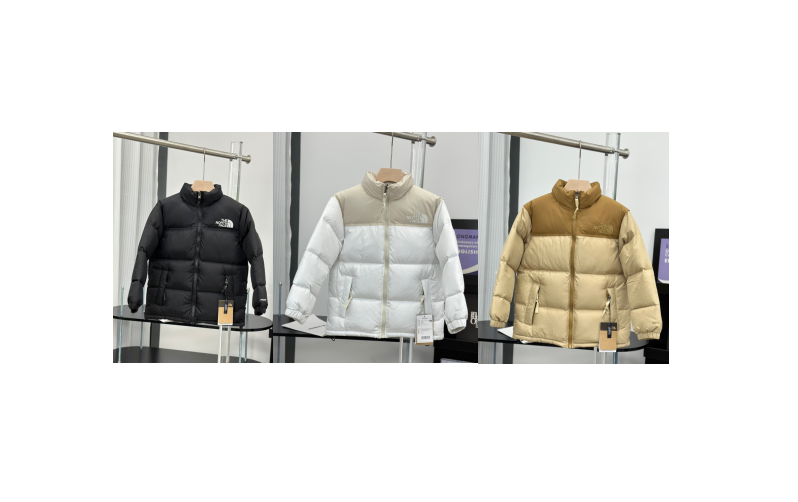
The North Face Puffer Jacket Black White Beige Winter Coat
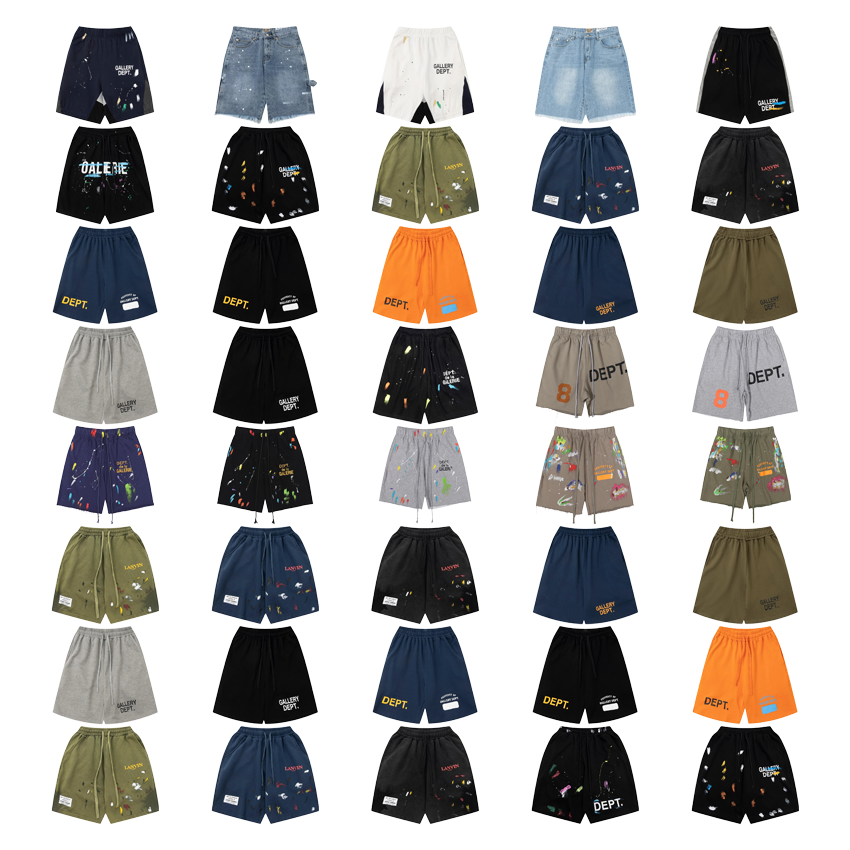
Gallery Dept Printed Cotton Shorts Multi Color Casual Style
Chen Jun Craft Halloween Series Resin Mini Figures
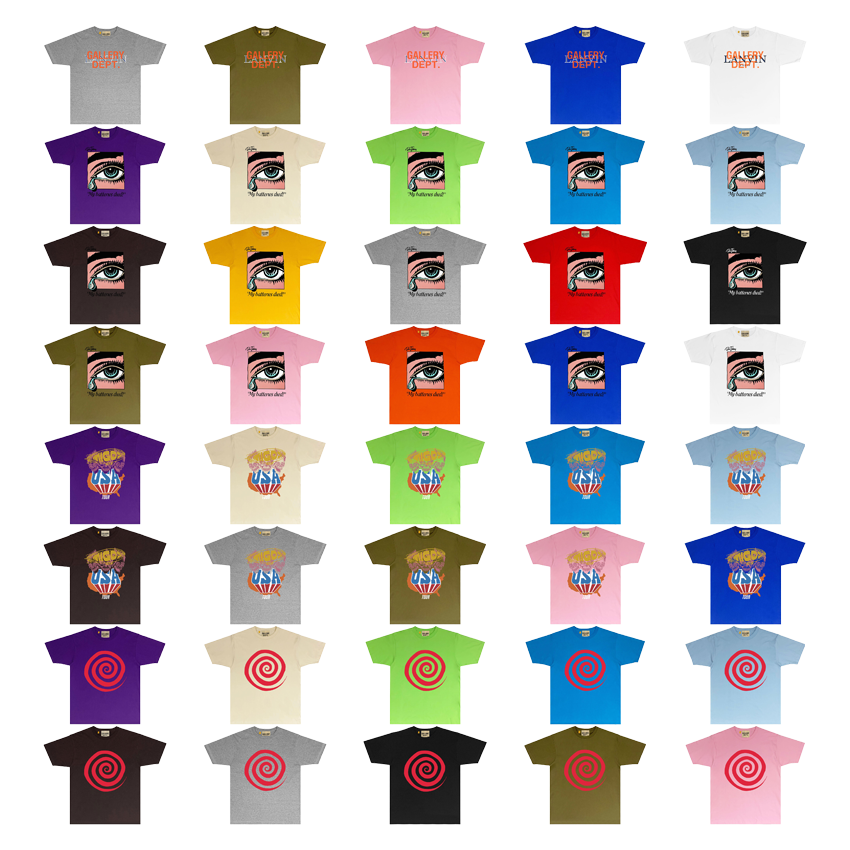
GALLERY DEPT T-Shirt Multi-Color Graphic Tee

Louis Vuitton LV Trainer Black White Monogram Sneakers
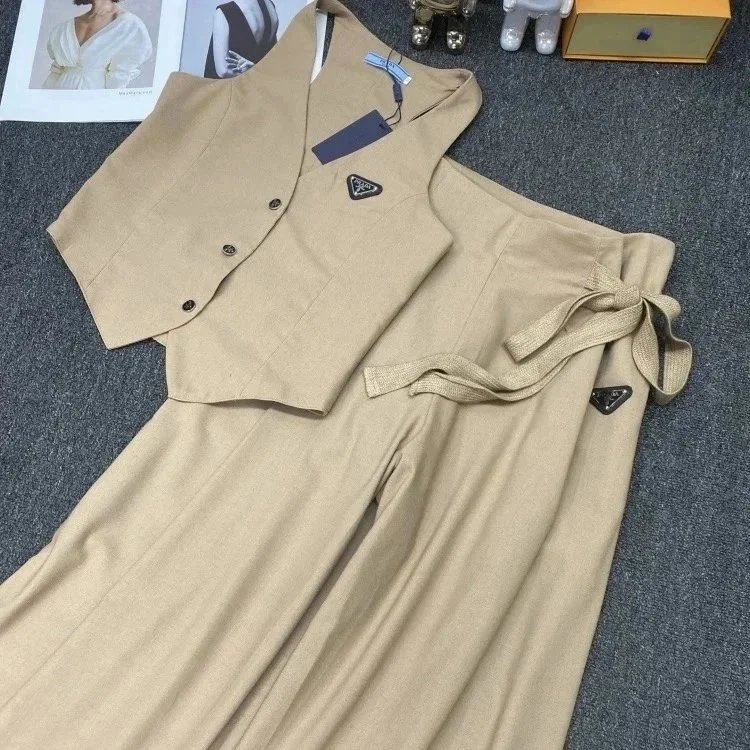
Beige Sleeveless Vest With Wide Leg Pants Set Casual Outfit
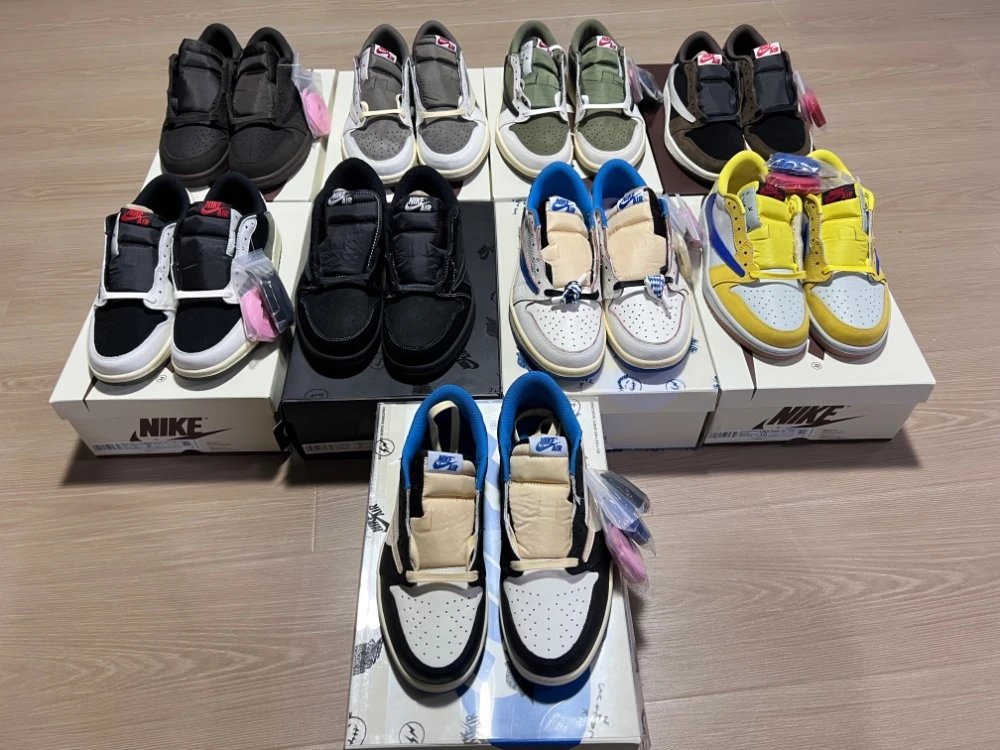
Nike Dunk Low Black White Casual Sneakers
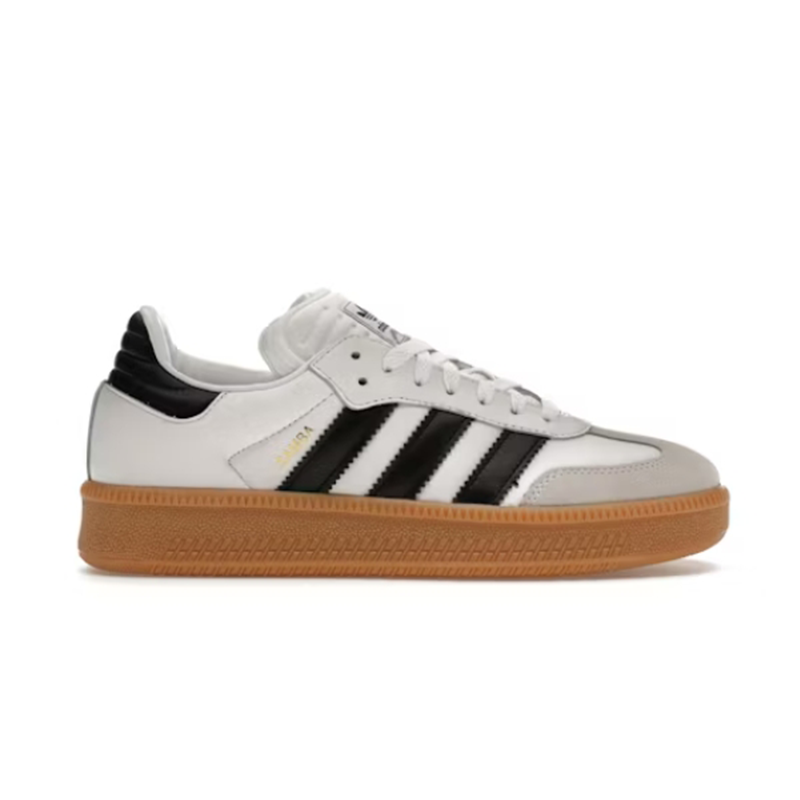
Adidas Samba White Black Classic Sneakers
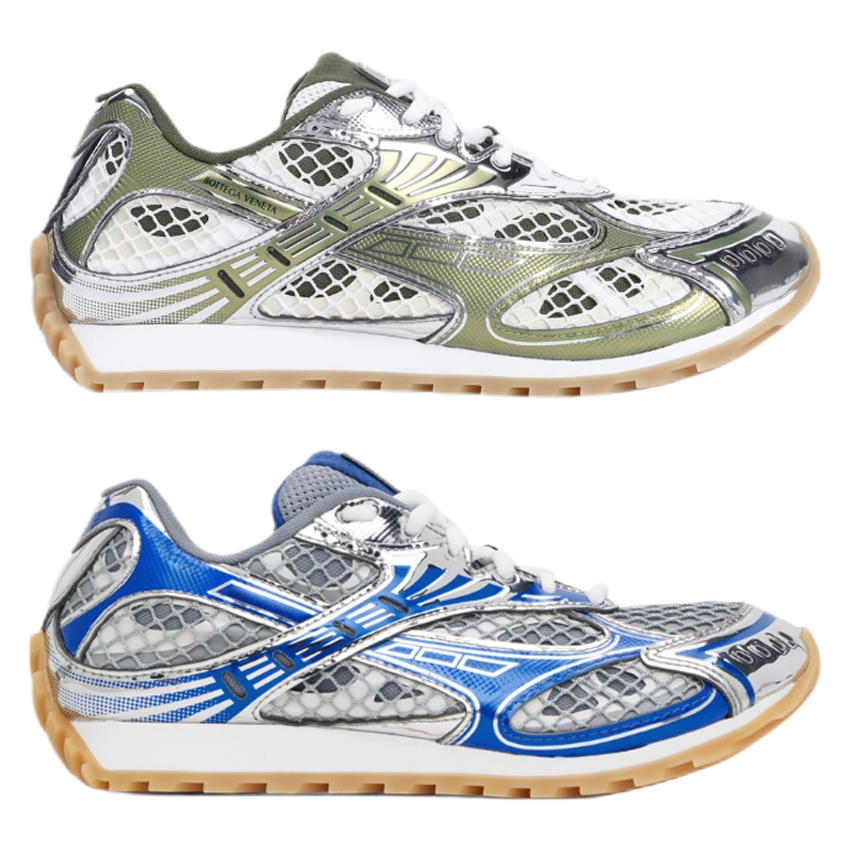
Bottega Veneta Running Shoe Green Blue Mesh Sneakers
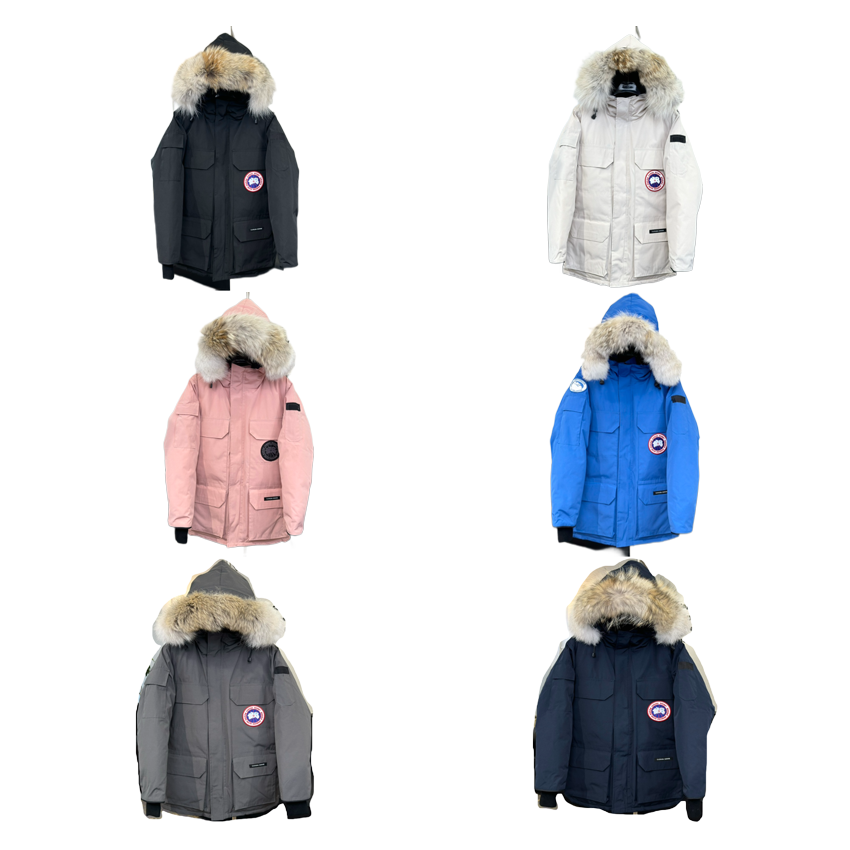
Canada Goose Parka Black Winter Jacket
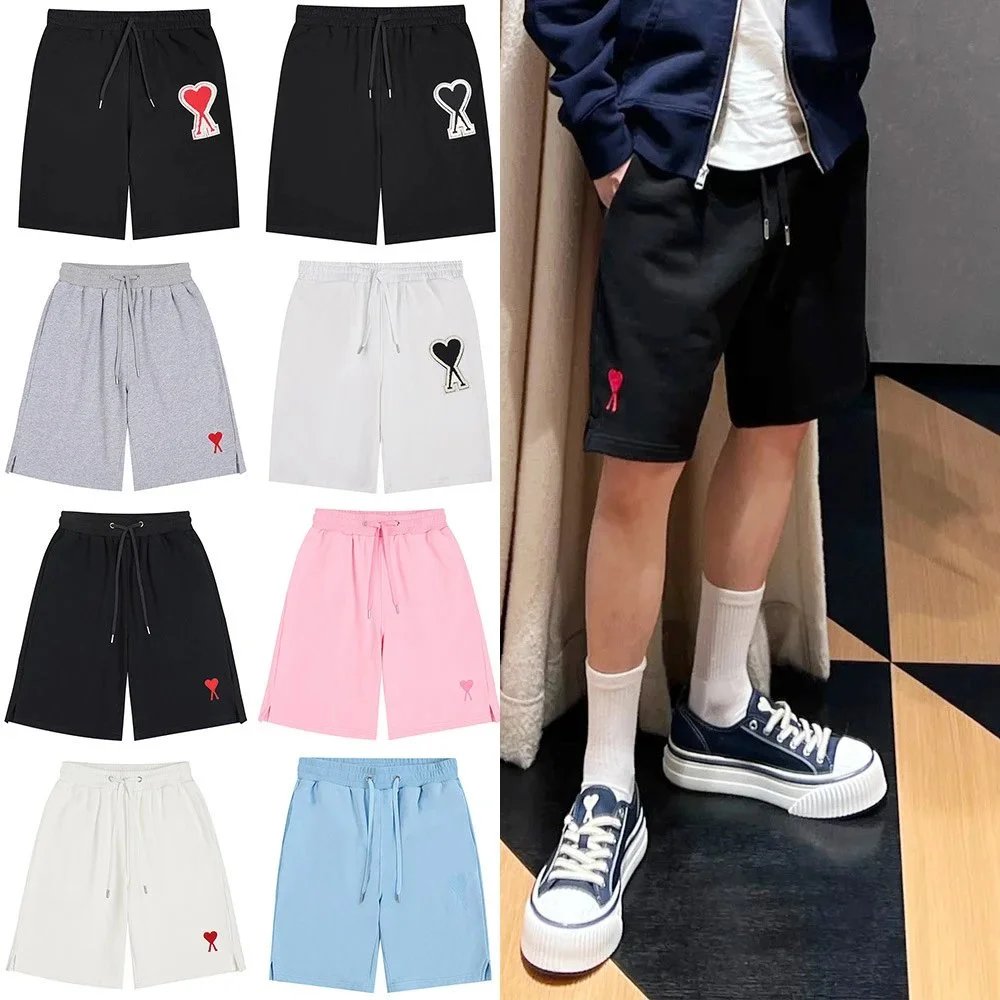
Unisex Heart Logo Drawstring Black Casual Shorts
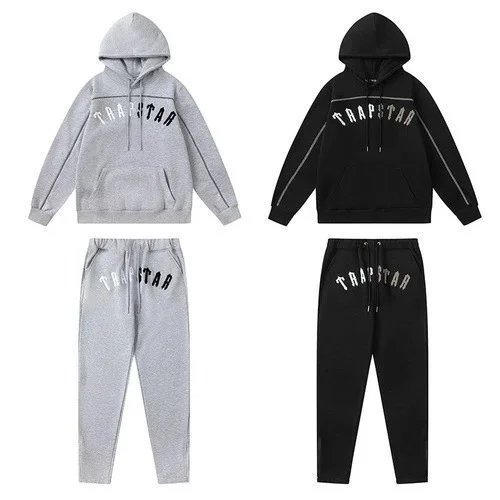
Trapstar Hoodie Set Gray Black Casual Tracksuit
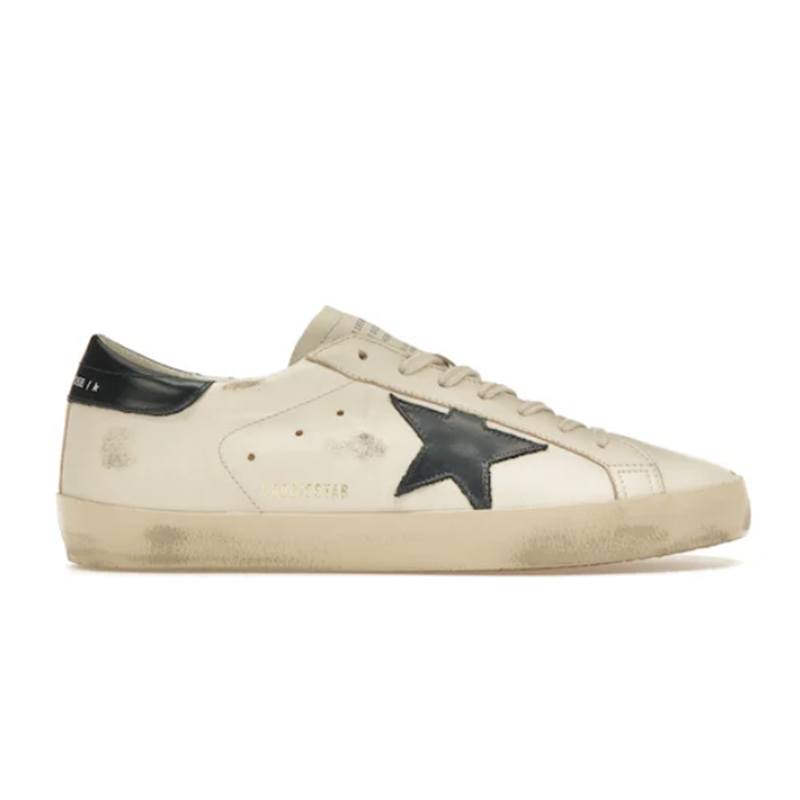
Golden Goose Superstar Beige Leather Casual Sneakers
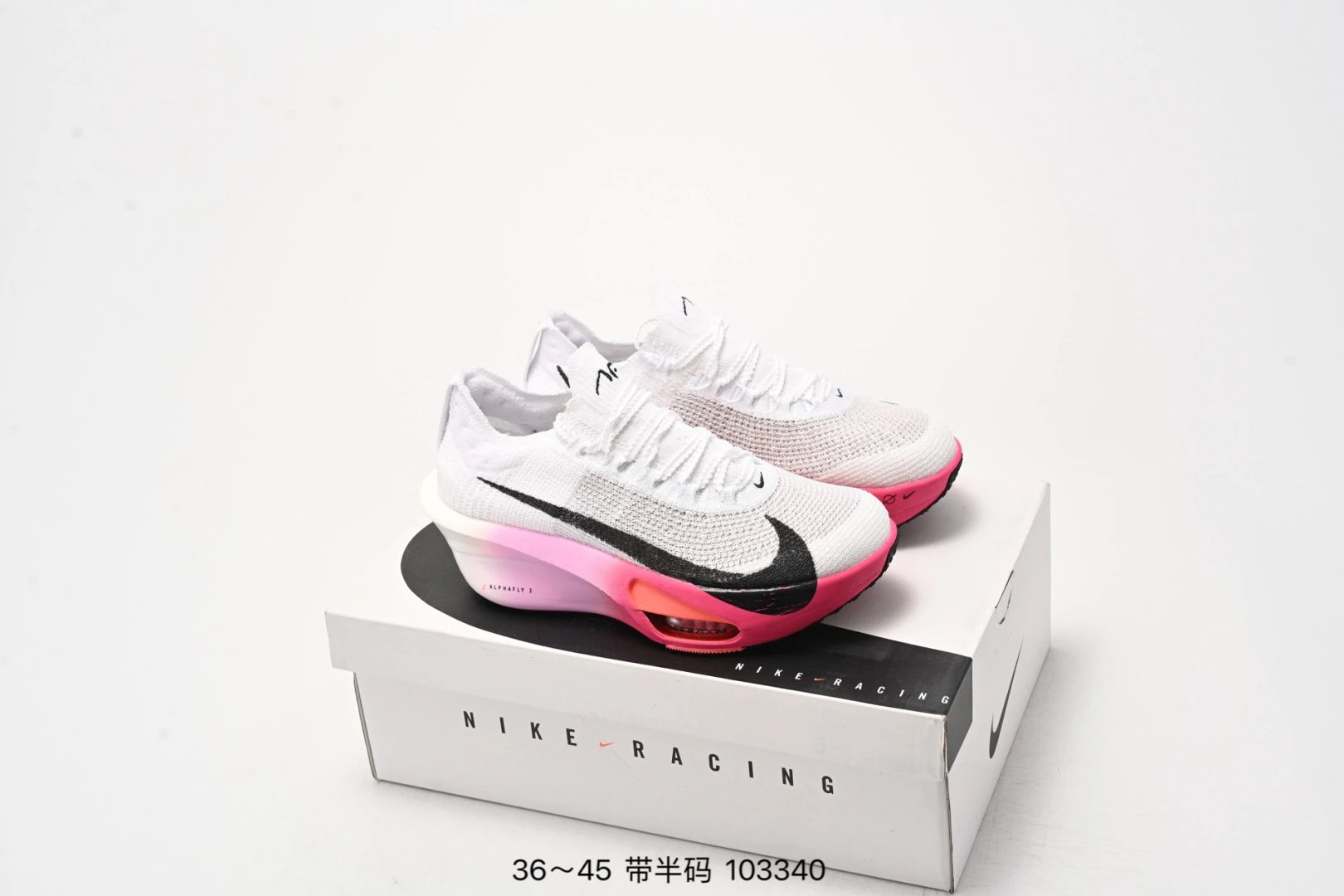
Nike Alphafly 3 White Pink Racing Sneakers
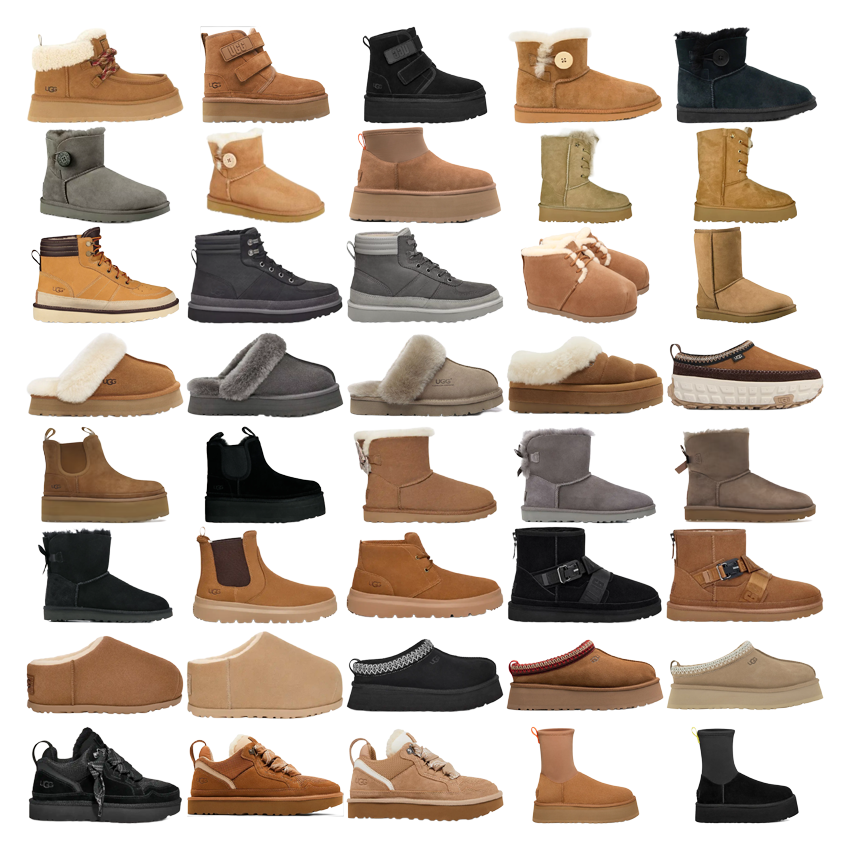
UGG Classic Mini Tan Shearling Winter Boots
What is Superbuy?
Superbuy is used by international buyers as a shopping-agent workflow for products that are listed on China marketplaces but are hard to check out directly from overseas. A buyer saves a product link, submits it to an agent cart, waits for warehouse photos, then chooses whether the item is worth shipping.
This website is not the official Superbuy platform. It is a clean product-discovery page built to help shoppers move from browsing to a more careful buying decision: category first, source page second, QC proof before shipping.
What should buyers check first?
| Check | Why it matters |
|---|---|
| Source page | Open the listing before ordering so the photos, option names, stock and price still match the saved product card. |
| Size and color | Write the exact option into your order note instead of relying on a screenshot or a vague product title. |
| QC photos | Use warehouse photos to compare labels, shape, color, packaging and obvious defects before approving the item. |
| Shipping value | Heavy jackets, shoes with boxes and bulky items can look cheap until parcel weight and route cost are added. |
How do I buy from Superbuy?
Use this page like a short shopping desk. Search the product type you want, open the matching item page, then treat the external listing as the source that must be checked before payment.
1. Pick a real product candidate
Choose one category first, such as shoes, jackets, T-shirts, hoodies or accessories. Avoid saving too many random links before you know the size, material, color and seller evidence.
2. Submit the source link carefully
Copy the product page into your agent order and add a clear note for size, color, version, quantity and any photo angle you need. A clean order note reduces wrong-option mistakes.
3. Decide after QC, not before
When the warehouse photos arrive, compare them with the listing. Approve only if the product still matches the saved row; otherwise request one useful photo, exchange, return or remove it.
Why use superbuysheet.shop?
- Search and browse product cards without opening a huge slow spreadsheet.
- Use the 10,000+ directory as a starting point, then confirm the live source page yourself.
- Compare products by category before sending links into a shopping-agent order.
- Keep buying decisions focused on proof, option accuracy, QC photos and shipping value.
How to Turn a Product Find Into a Safer Order
Use the directory to shortlist products, then make the final decision from source details and warehouse proof.
Shortlist one category
Start with the item type you actually want. Compare product photos, listed price, options and seller evidence before saving the row.
Write a clean order note
Include source URL, selected option, size, color and quantity. If the product is risky, request the exact QC angle before approving.
Approve only after QC
Check warehouse photos and parcel weight first. Ship when the product proof and shipping value still make sense together.